Paste text, get a fully designed deck.
The fastest text-to-PPT path on the web. Drop in an outline, an article, your meeting notes — and the AI structures it across 12 smart layouts, generates real charts from any data, and exports a native PowerPoint in under 30 seconds.
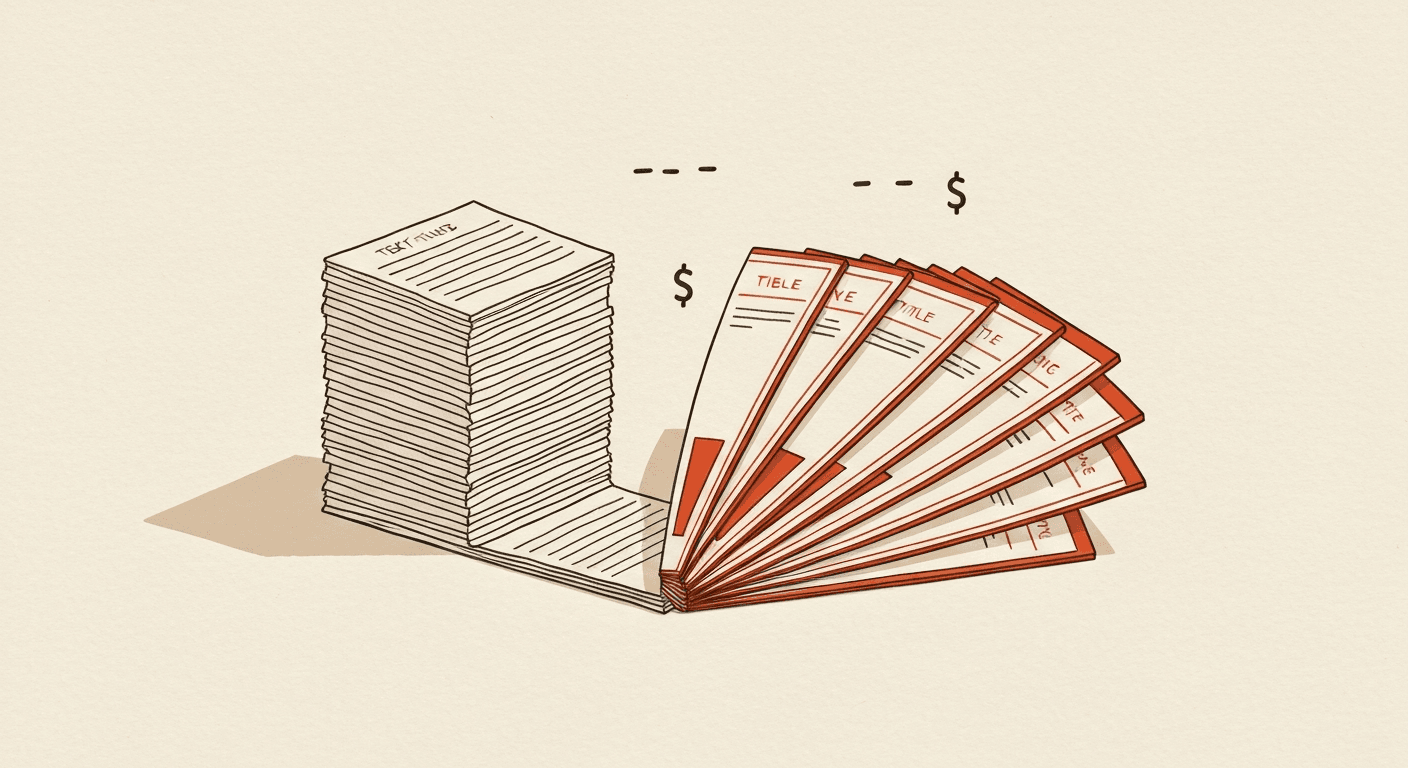
Paste anything · 28-second generation · Native PowerPoint output
Paste your text
Drop in an outline, your meeting notes, a Word doc's contents, a research summary — anything from a paragraph to a few thousand words. The AI handles it all.
AI structures and designs
Gemini reads the text, identifies the natural slide breaks, chooses the right layout per slide (12 options), writes concise on-slide copy, generates real PowerPoint charts from any data, and applies the active theme.
Download native .pptx
Get a designed deck in ~28 seconds. Every slide is a real PowerPoint object — open in PowerPoint, Google Slides, or Keynote and edit freely.
See the AI Slide Generator →
The text-to-PPT tool is the AI Slide Generator with a text-only on-ramp. The full generator also accepts file uploads and URLs.
AI chooses the layout per slide
12 smart layouts: title, two-column, big-number, chart, quote, image+text, timeline, comparison table, team grid, agenda, divider, three-column. AI picks the right one based on what the content needs.
AI-written copy, not your text verbatim
The text-to-PPT tool restructures your input into slide-grade copy — short, scannable, presentation-paced. It's not a paste-and-stretch; it's a rewrite into the format slides need.
Real PowerPoint charts
If your text mentions numbers — quarterly figures, percentages, comparisons — the AI extracts them and generates real .pptx chart objects with editable data tables. Not chart-shaped images.
Native .pptx output
Every element is a real PowerPoint object. Opens cleanly in PowerPoint, Google Slides, Keynote, and LibreOffice Impress with zero layout drift.
8 input languages
Paste text in Hindi, Spanish, French, German, Portuguese, Japanese, Korean, Arabic, or English. The AI handles grammar, idiom, and layout direction (including RTL for Arabic).
28-second average generation
End-to-end average is 25-35 seconds for a 12-slide deck. We stream slide cards as they're ready so you can review the first slide while later ones are still being assembled.
- How much text can I paste?
- Up to about 8,000 words on the free tier, more on Pro. For longer documents, upload as a PDF or Word doc instead — the file-based path handles larger inputs more efficiently.
- Does the AI use my text verbatim or rewrite it?
- Rewrites it. The text-to-PPT tool restructures your input into slide-grade copy — short, scannable, presentation-paced. If you want verbatim preservation, the PDF-to-PPT or Word-to-PPT converters are the right tool instead.
- How many slides will the AI generate?
- 8-16 slides by default, scaled to the depth of your input. You can override the count by adding a sentence like "12 slides" or "as 8 slides" at the start of your text.
- Can it handle numbers and generate charts?
- Yes. The AI extracts numerical data — quarterly figures, percentages, comparisons — and generates real PowerPoint chart objects (bar, line, pie, area) with editable data tables.
- What languages are supported?
- Paste text in Hindi, Spanish, French, German, Portuguese, Japanese, Korean, Arabic, Chinese, English, plus 10 more. The AI adapts tone, idiom, and layout direction.
- Is the output a real PowerPoint file?
- Yes. Native .pptx with real PowerPoint objects — text boxes, charts, tables, shapes — all editable in PowerPoint, Google Slides, or Keynote.
- Is it free to use?
- Free tier: 1 deck per month, full features, small watermark. Pro: $18/month globally or ₹999 one-time for 30 days in India — removes the watermark and unlocks 50 decks per month.
Ready to text to ppt?
The fastest text-to-PPT path on the web.
Maintained by Rahul Dubey · Co-founder, Vendax Systems Labs