Convert PowerPoint to PDF — clean and free.
Drop your .pptx in, download a polished PDF in seconds. Every slide rendered at full resolution. No watermark, no email gate, no quality loss.
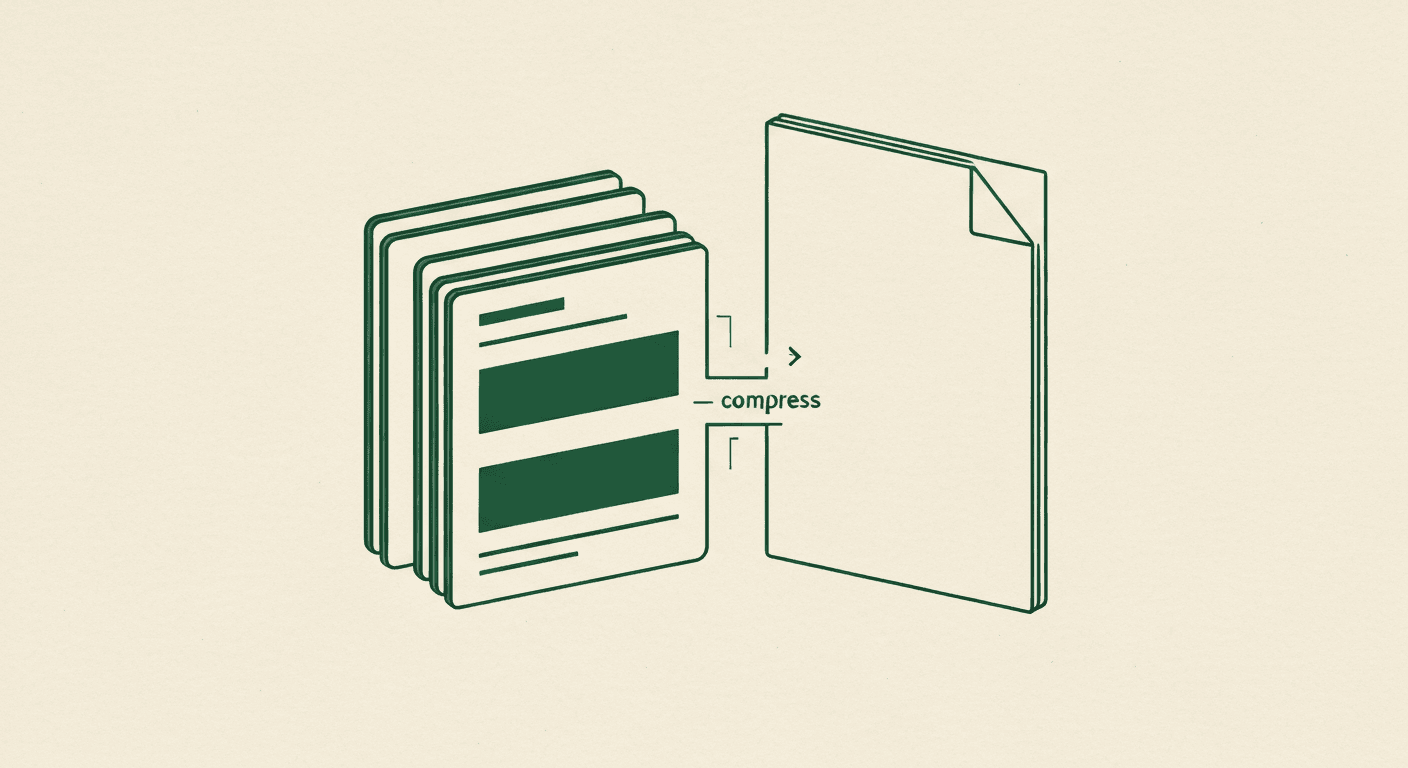
Drop .pptx · Get clean PDF · Full quality · No watermark
Upload your PowerPoint
Drag any .pptx or .ppt file onto the upload area. Up to 50 MB.
We render every slide at full quality
Each slide becomes one PDF page at native PowerPoint resolution. Text stays sharp as vector, images embed at original quality.
Download the PDF
Get your PDF instantly. Single download, no signup, no watermark.
Or design a fresh deck →
Need a new presentation, not just a PDF? The AI Slide Generator creates a fully-designed deck from any topic in 30 seconds.
Full slide resolution
Every slide renders at native PowerPoint resolution. Text stays crisp as vector graphics, images embed at their original quality.
No watermark
The output PDF is clean — no "Made with..." watermark, no logo overlay. Free tier means free, not "free if you accept our brand on your file".
No email gate
Drag, drop, download. We don't ask for an email, a phone number, or a card.
Up to 50 MB .pptx
Large decks with embedded images and high-res charts are supported. Most reports fit comfortably under the limit.
Files never stored
Your .pptx is processed in-memory and discarded immediately after the PDF is built. No retention, no analytics on your content.
Cross-platform output
The PDF is standards-compliant and opens identically in macOS Preview, Adobe Acrobat, Google Drive, Windows Edge, and every PDF viewer in between.
- Is the PPT to PDF converter free?
- Yes. Unlimited conversions, no signup, no watermark, no email gate.
- Will the PDF look exactly like my PowerPoint?
- Yes. Every slide renders at native PowerPoint resolution. Text stays sharp as vector, images embed at their original quality. Animations and transitions are flattened (since PDFs are static).
- What's the file size limit?
- 50 MB per .pptx. Most decks with images and charts fit comfortably under this.
- Will my .pptx file or the generated PDF be stored?
- No. Both are processed in-memory and discarded as soon as the conversion completes. We never retain files.
- Does it handle animations and transitions?
- Animations and slide transitions are flattened, since PDFs are static. Each slide renders as a single PDF page at its final visual state.
- Can I convert presenter notes too?
- Yes — toggle "Include speaker notes" in the converter options. Notes append below each slide in the PDF, or as a separate notes-only section.