Convert PDF to PowerPoint — in one click.
Drag your PDF in, get a fully editable PowerPoint file out. No watermark, no email gate, no file-size hostage. Then take it one step further — let the AI rebuild it as a designed, narrative-structured deck.
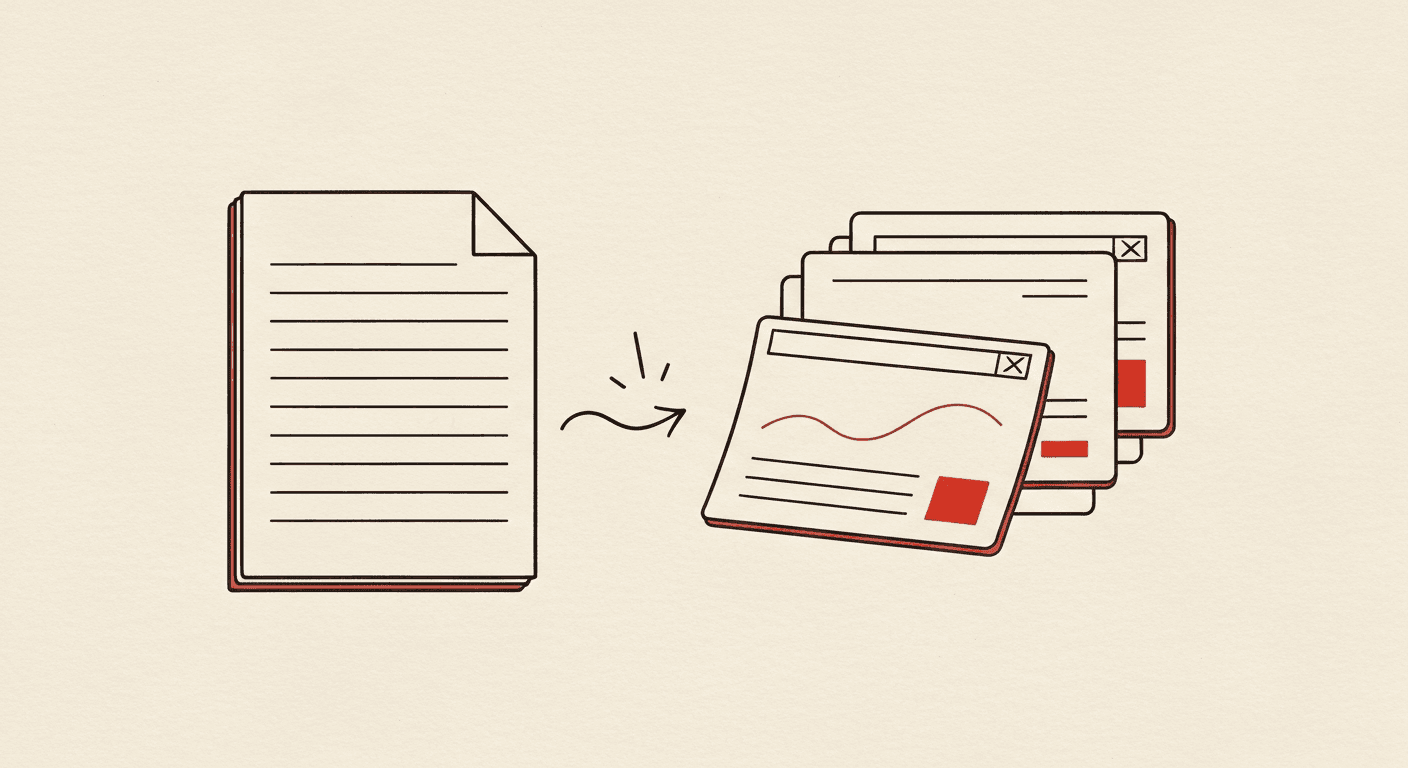
Drop the PDF · Get .pptx · No email · No watermark
Drop your PDF
Drag any PDF onto the upload area, or click to browse. Files up to 20 MB supported. Multi-page PDFs convert each page to one slide.
We extract structure and rebuild as .pptx
Text, headings, tables, and embedded images are extracted with their layout positions and re-rendered as native PowerPoint objects — every element editable.
Download the .pptx — or rebuild with AI
Get your editable PowerPoint immediately. Or click "Rebuild with AI" and let the AI Slide Generator turn the content into a properly-designed deck.
Now rebuild it with AI →
Type the same topic into the AI Slide Generator and get a freshly-designed, narrative-structured deck — instead of just a converted file.
Genuine .pptx output
Every element is a real PowerPoint object — text boxes, tables, images, shapes. Opens in PowerPoint, Google Slides, Keynote, and LibreOffice Impress without conversion artifacts.
No watermark, no email gate
Most free PDF→PPT tools either watermark the output or hold the file behind an email signup. We don't. The .pptx downloads directly with zero strings attached.
Files never stored
Your PDF is processed in-memory and discarded the moment the .pptx is built. We don't retain uploads or generated files beyond the conversion session.
Layout fidelity
We preserve original page dimensions, font sizes, table structure, and image placement. The .pptx looks like the PDF, slide for slide.
AI-powered "rebuild" path
After conversion, one click sends the content into the AI Slide Generator — which restructures it into a properly-designed deck with chosen layouts, real charts, and crisp typography. Optional, free to try.
Up to 20 MB, any PDF
Multi-column research papers, scanned reports, technical manuals — all supported. For scanned PDFs we run OCR automatically.
Most free PDF→PPT tools paywall a feature you actually need (no watermark, larger files) or ask for your email. Here's the honest comparison.
| Feature | Instant Deck AI | SmallPDF / iLovePDF |
|---|---|---|
| Free conversions per day | Unlimited | Typically 2/day on the free tier |
| Watermark on output | None | Free tier often watermarks |
| Email gate | No email required | Often requires email signup for the free file |
| File size limit | 20 MB | 5 MB on free, larger on paid |
| After conversion | Optional: "Rebuild with AI" → designed deck | Conversion only |
| Files stored on their servers | No, processed in-memory only | Usually stored for 1 hour, sometimes longer |
- Is this PDF to PPT converter really free?
- Yes — fully free, unlimited conversions, no email signup, no card, no watermark on the .pptx output. The only optional paid feature is the "Rebuild with AI" upgrade which uses our AI generator credits.
- Does the converted PowerPoint look exactly like the PDF?
- Yes, layout is preserved page-for-slide. Headings, paragraphs, tables, and inline images keep their relative positions. Fonts substitute to the closest available PowerPoint font when the PDF uses a non-standard family.
- Can I edit the text in the converted PowerPoint?
- Yes — every text element is a real PowerPoint text box. Open the .pptx, click any paragraph, edit freely.
- What's the maximum PDF file size you support?
- 20 MB per file. For larger documents (typically 100+ page reports), we recommend splitting the PDF first or using the AI Slide Generator to extract just the highlights.
- Do you store my PDF after conversion?
- No. The PDF is processed in-memory during conversion and discarded as soon as the .pptx is built. We never retain uploaded files or generated outputs.
- What's the difference between converting and using the AI Slide Generator?
- Converting rebuilds your PDF as PowerPoint, page-for-slide, keeping the original layout. The AI Slide Generator takes the content and creates a freshly-designed, narrative-structured deck with chosen layouts, real charts, and presentation-grade typography. Use the converter when you want a faithful copy; use the generator when you want a real designed deck.
- Can it handle scanned PDFs?
- Yes. Scanned PDFs are detected automatically and run through OCR. Text is extracted as editable PowerPoint text rather than baked into images.
Ready to pdf to ppt?
Drag your PDF in, get a fully editable PowerPoint file out.
Maintained by Rahul Dubey · Co-founder, Vendax Systems Labs