Convert PDF to PowerPoint — fully editable.
Drag your PDF in, get a real PowerPoint file out — every text box, table, and image as a native .pptx object you can edit in PowerPoint, Google Slides, or Keynote.
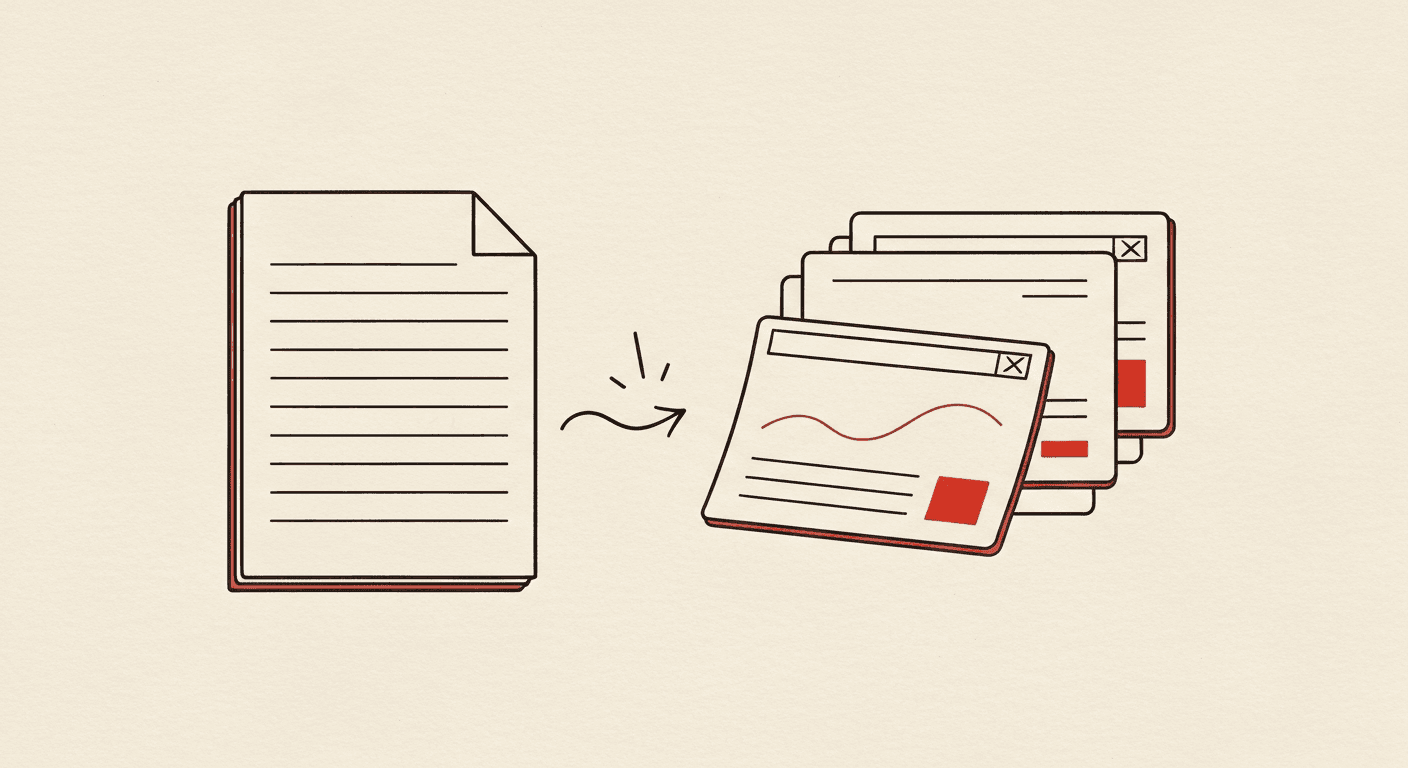
Drop the PDF · Get native .pptx · Edit anywhere
Upload your PDF
Drag and drop, or click to select. Up to 20 MB. Multi-page PDFs convert each page into its own slide.
We rebuild it as native PowerPoint
Text, tables, and images come out as editable .pptx elements — not images of slides. Every paragraph is a real PowerPoint text box.
Download — or AI-redesign
Get the .pptx instantly. Or click "AI-redesign" to let our AI rebuild the content as a properly-structured presentation deck.
Now make it AI-designed →
A converted PDF preserves the original layout. The AI Slide Generator restructures the content into a real designed deck. Try both, pick what works.
Native PowerPoint objects
Text becomes real PowerPoint text boxes. Tables become real .pptx tables with editable cells. Images embed as PNG/JPEG. Everything opens cleanly in PowerPoint.
No watermark, no signup
Most "free" PDF→PowerPoint converters either watermark the output or gate the file behind an email signup. We don't. The .pptx downloads directly.
Layout preserved page-for-slide
Each PDF page maps to one PowerPoint slide. We preserve original dimensions, font sizes, table column widths, and image positioning.
OCR for scanned PDFs
If your PDF is a scanned document, we run OCR automatically. The output is editable text in PowerPoint — not baked into the image.
Privacy by default
Your PDF is processed in-memory and discarded after conversion. No file retention, no analytics on the document content, no data sold downstream.
"Rebuild with AI" optional path
After conversion, one click sends the content into the AI generator — which rebuilds it as a designed deck with proper layouts, charts, and typography.
Adobe Acrobat's PDF-to-PowerPoint conversion is the gold standard but requires a paid subscription. Here's where free alternatives sit.
| Feature | Instant Deck AI | Adobe Acrobat |
|---|---|---|
| Cost | Free, unlimited | Requires Acrobat Pro ($19.99/month minimum) |
| Setup | Browser-based, drag and drop | Desktop app install or web portal with sign-in |
| Layout fidelity | High — text/tables/images preserved | Very high — Adobe's engine is the reference standard |
| OCR for scanned PDFs | Yes, automatic | Yes |
| After conversion | Optional: AI-rebuild into a designed deck | Conversion only |
| India pricing | Free; ₹999 one-time for AI features | ~₹1,675/month for Acrobat Pro |
- Is the PDF to PowerPoint converter actually free?
- Yes. Unlimited conversions, no card, no email, no watermark. The output is a real, editable .pptx file.
- Will the PowerPoint look exactly like the PDF?
- Layout is preserved page-for-slide. Text, tables, and images keep their relative positions. Custom fonts in the PDF substitute to the closest matching PowerPoint font.
- Can I edit the converted PowerPoint?
- Yes. Every element is a real .pptx object — text boxes, tables, shapes. Open in PowerPoint, Google Slides, or Keynote and edit freely.
- How big a PDF can I convert?
- Up to 20 MB per file. Most reports and presentations fit easily. For very large documents (200+ pages), split the PDF or use the AI Slide Generator to extract the highlights.
- Do you store the PDF or the converted PowerPoint?
- No. Both are processed in-memory during conversion and discarded immediately after. We never retain files.
- What happens with scanned PDFs?
- We detect scanned content automatically and run OCR. The output text is editable in PowerPoint, not baked into images.
- How is this different from Adobe Acrobat's converter?
- Adobe's converter is the industry gold standard but requires Acrobat Pro ($19.99/month, ~₹1,675 in India). We offer free conversion for the same core functionality, plus an optional AI-rebuild step that Adobe doesn't.
Ready to pdf to powerpoint?
Drag your PDF in, get a real PowerPoint file out — every text box, table, and image as a native .
Maintained by Rahul Dubey · Co-founder, Vendax Systems Labs