Convert PDF to PPTX — real Open XML output.
Modern PowerPoint format (.pptx) — every text box, table, image, and shape is a real Open XML PowerPoint object. Unzip the output and inspect the slide XML directly. The same engine PowerPoint itself uses.
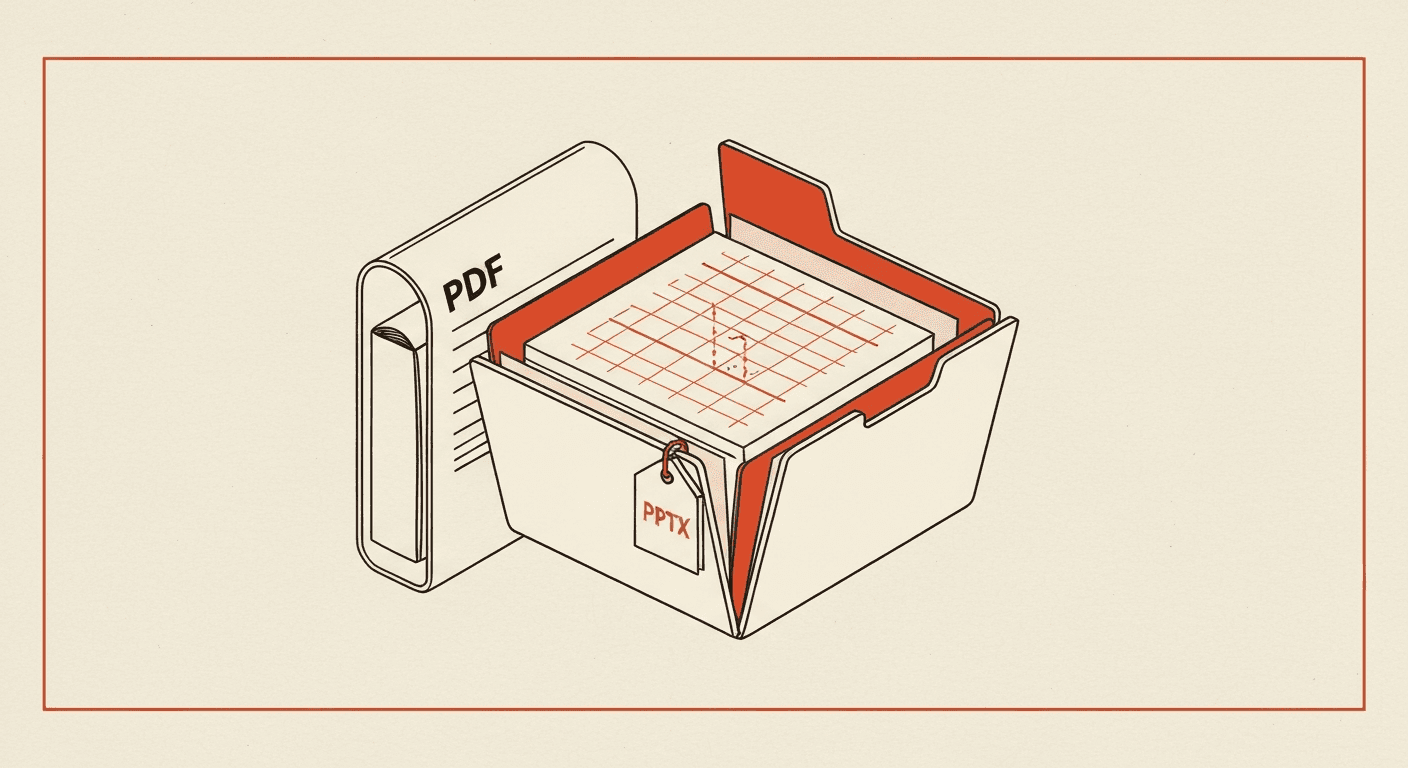
Real .pptx Open XML · Every element a PowerPoint object · No conversion layer
Upload your PDF
Drag and drop, or click to select. Up to 20 MB. We accept any PDF — text-based, scanned, or mixed.
We build a standards-compliant .pptx
Output is real Open XML — every text box uses real <p:txBody> XML, every table uses real <a:tbl>, every chart uses real <c:chartSpace>. Standards-compliant, opens cleanly everywhere.
Download — inspect, edit, present
Get the .pptx in seconds. Unzip and inspect the XML if you want to verify it's real. Or just open it in PowerPoint and edit.
Try the AI PowerPoint Generator →
Need a deck that's designed, not just converted? The AI PowerPoint Generator builds real .pptx from a single prompt.
Genuine Open XML output
Every export follows the PowerPoint Open XML spec. Unzip the .pptx file and inspect /ppt/slides/*.xml — you'll see real PowerPoint elements, not converted artifacts.
No conversion layer
Many "free" PDF-to-PPTX tools convert to legacy .ppt then re-save to .pptx, which can corrupt layouts. We build the .pptx natively from PDF content — no double conversion.
Native PowerPoint elements
Text becomes <p:sp>+<p:txBody>, tables become <a:tbl>, images embed as PNG/JPEG with <p:pic> wrappers. Every element edit-compatible with PowerPoint and Google Slides.
OCR for scanned PDFs
Scanned PDFs run through OCR. The output text is real editable PowerPoint text — not just an image with a hidden text layer.
No watermark, no signup
Free unlimited conversions, no email, no card. The .pptx downloads directly.
Cross-tool compatibility
The .pptx opens identically in PowerPoint (Mac, Windows, Web), Google Slides, Keynote, and LibreOffice Impress. We test against all four readers every release.
- What's the difference between PPT and PPTX?
- PPT is the legacy PowerPoint binary format (1997-2007). PPTX is the modern Open XML format that PowerPoint has used since 2007. Modern editors, Google Slides, and Keynote all prefer PPTX. Our converter produces PPTX.
- Is the output really standards-compliant Open XML?
- Yes. You can verify by unzipping the .pptx file (it's a ZIP archive) and inspecting the XML directly. Slide content is in /ppt/slides/*.xml, charts are in /ppt/charts/*.xml. Every file follows the ECMA-376 standard.
- How is this different from PDF to PPT?
- PPTX is the modern format (Open XML, since 2007); PPT is the legacy binary format. Both work in PowerPoint, but PPTX is preferred by every modern editor including Google Slides and Keynote. We offer both; PPTX is the better choice for new work.
- Will Google Slides open my converted PPTX?
- Yes. Upload to Google Drive, right-click → Open with → Google Slides. The .pptx opens cleanly with full editability.
- Do you store my PDF or the converted PPTX?
- No. Both files are processed in-memory and discarded immediately after conversion. No retention, no analytics on your content.
- Is the converter free?
- Yes. Unlimited conversions, no signup, no watermark, no email. The "AI rebuild" optional path uses our generator credits.
Ready to pdf to pptx?
Modern PowerPoint format (.
Maintained by Rahul Dubey · Co-founder, Vendax Systems Labs