Project timelines for PowerPoint — built by AI.
Describe your milestones and the AI generates a native PowerPoint timeline slide — editable, professional, ready to drop into any deck. Milestone callouts, Gantt-style schedules, and quarterly roadmaps all supported.
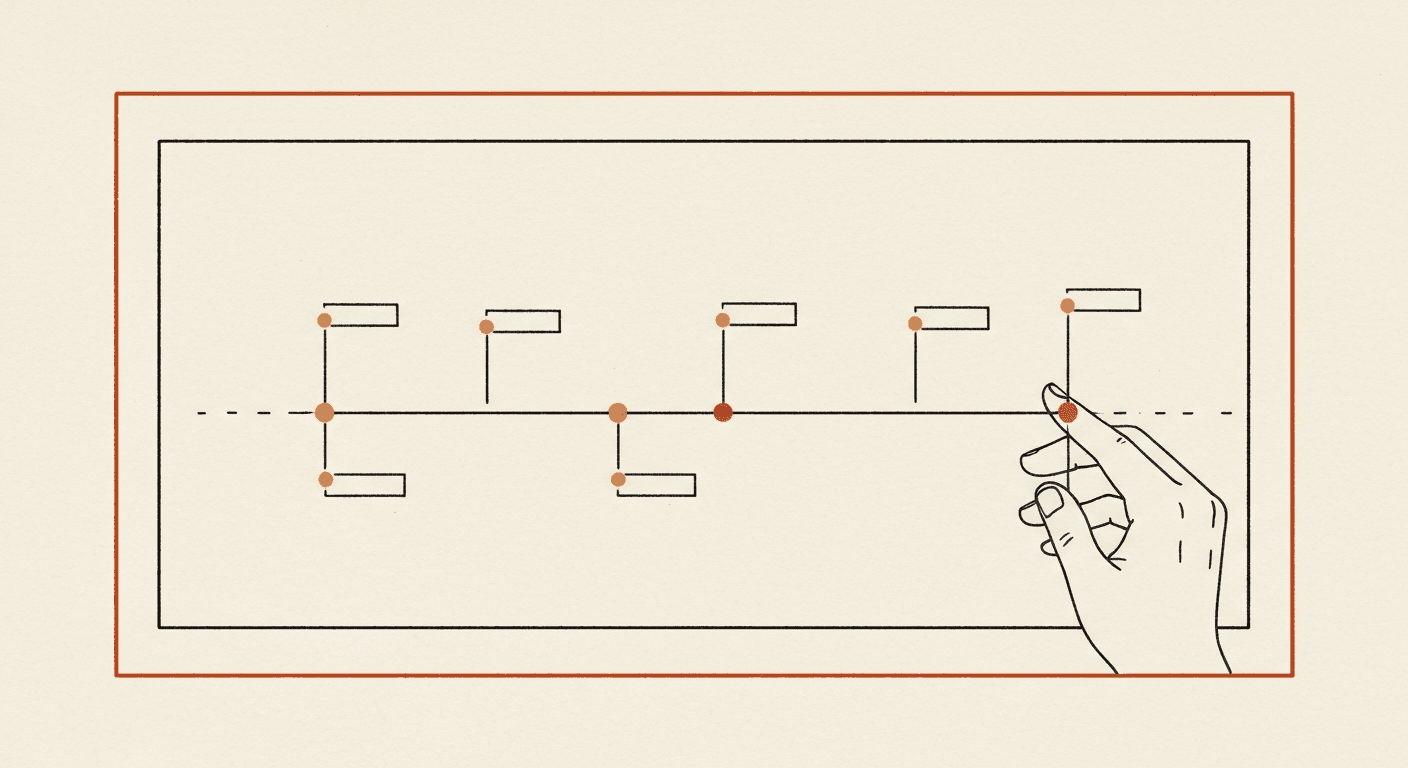
AI-generated timeline · Native PowerPoint · Editable milestone callouts
Describe your timeline
Type your milestones: "Pre-seed raise Jan 2025, MVP launch Apr 2025, first 100 customers Jul 2025, Series A close Q4 2025." The AI parses dates, milestone names, and dependencies.
AI generates a native PowerPoint timeline
A horizontal timeline slide is built as native .pptx — line segments, milestone dots, annotation callouts, and date labels — every element a real PowerPoint object you can move and edit.
Download or extend
Get the .pptx with your timeline slide. Or click "Make this a full deck" and the AI adds context slides — agenda, milestone details, risks — around the timeline.
See the AI Slide Generator →
Timelines are one of 12 native layouts. For a full deck — title, agenda, charts, timeline, conclusion — use the AI Slide Generator.
Native PowerPoint elements
Every element on the timeline — the horizontal axis, milestone dots, annotation callouts, date labels — is a real PowerPoint shape or text box. Move, resize, restyle freely.
Multiple timeline styles
Horizontal milestone timelines, Gantt-style stacked schedules, vertical roadmaps, quarterly grid layouts. AI picks the right one based on the milestone count and time range you describe.
Smart date parsing
Describe milestones in any format — "Q1 2025", "Jan 15", "next 6 weeks", "30 days post-launch". The AI normalizes them onto a single visual timeline.
Drop into any deck
The timeline slide is a standalone .pptx file you can drag into PowerPoint, Google Slides, or Keynote. It composes cleanly with your existing deck templates.
Hot-swap to a different style
Don't like a horizontal timeline? Click "Convert to Gantt" or "Vertical roadmap" in the editor and the AI redraws using the same milestone data.
Free to try
First timeline is free. No card, no signup. Pro unlocks unlimited timelines plus the full AI Slide Generator for the rest of your deck.
- What kinds of timelines can the AI generate?
- Horizontal milestone timelines (the most common — 4-8 milestones across a date axis), Gantt-style stacked schedules (workstream rows × time columns), vertical roadmaps, and quarterly grid layouts.
- Can I edit the generated timeline in PowerPoint?
- Yes — every line, dot, label, and annotation is a real PowerPoint object. Click any element to move it, resize it, change its color, or rewrite the text.
- How does it figure out the dates?
- The AI parses any date format — "Q1 2025", "Jan 15", "next quarter", "30 days post-launch" — and normalizes them onto a single visual timeline. You can override the start and end dates explicitly.
- Can I add a timeline to an existing PowerPoint deck?
- Yes. The timeline is generated as a standalone .pptx file. Open both decks in PowerPoint, copy the timeline slide, paste into your existing deck. Theme and font will adapt to the target deck.
- How many milestones can the AI handle on one slide?
- Up to 10 milestones on a horizontal timeline before it gets cramped. For larger projects (20+ milestones), the AI suggests breaking into multiple slides — quarterly slices, or workstream-specific timelines.
- Is it free?
- First timeline is free, no card required. Pro plan unlocks unlimited timelines plus the full AI Slide Generator: $18/month globally or ₹999 one-time for 30 days in India.
Ready to powerpoint timeline maker?
Describe your milestones and the AI generates a native PowerPoint timeline slide — editable, professional, ready to drop into any deck.
Maintained by Rahul Dubey · Co-founder, Vendax Systems Labs