Real PowerPoint,
generated by AI.
Not a web-only mock-up that breaks when you export. The AI PowerPoint generator produces genuine .pptx files — every shape is a real shape, every chart has editable data, every slide opens cleanly in PowerPoint, Google Slides, and Keynote. The output is the finished deck, not a draft to recreate.
Describe your presentation
Free · No credit card required
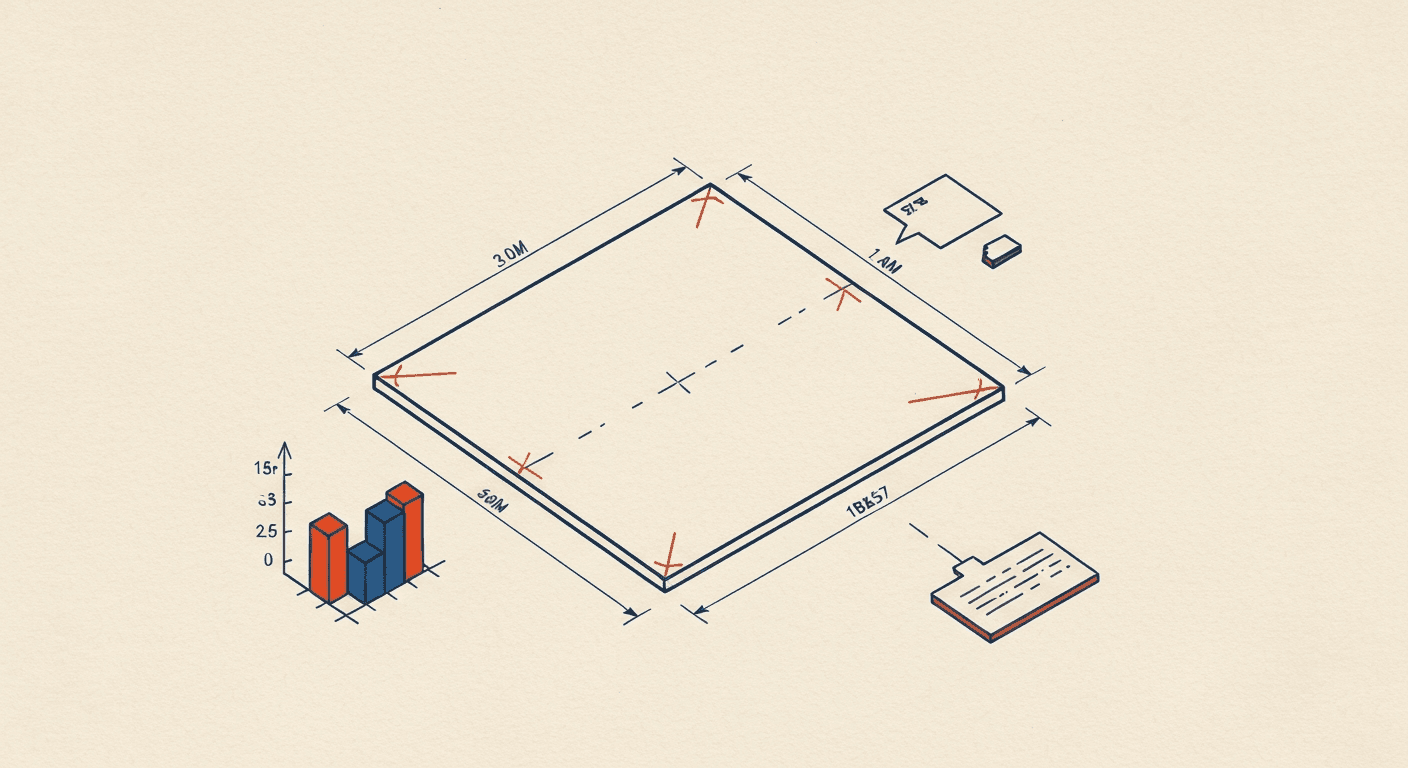
Native .pptx · Real PowerPoint charts · Editable in PowerPoint, Google Slides, Keynote
- 01
Genuine .pptx, not a converted file
Every export is built from the PowerPoint Open XML spec. Unzip the file, inspect the slide XML — you'll see real PowerPoint elements: <p:sp> for shapes, <p:txBody> for text, <c:chartSpace> for charts. No conversion layer.
- 02
Real PowerPoint charts with editable data
Bar, column, line, pie, doughnut, and area charts emitted as full chart objects with linked Excel data. Click a chart in PowerPoint, the linked spreadsheet opens, edit a cell, the chart updates.
- 03
Zero layout drift across readers
Every element uses absolute positioning in EMUs (PowerPoint native coordinate system). We test every release against 6 readers: PowerPoint Mac/Windows/Online, Google Slides, Keynote, LibreOffice Impress. Same pixel-rendering in all six.
- 04
12 native PowerPoint layouts
Title, two-column, three-column, big-number, chart, quote, image-with-text, comparison table, timeline, team grid, agenda, section divider — all built using PowerPoint's slide-layout system, not custom positioning that breaks when you open in another tool.
- 05
Brand templates supported
Upload a corporate .potx template on Pro. Fonts, colors, slide masters, footers — the AI generates new slides that inherit your template cleanly. No more "almost on-brand" output.
- 06
Practical file sizes
A 12-slide deck is typically 1.5–4 MB. Images compressed to 96 DPI (PowerPoint native), no embedded fonts unless required, no leftover image cache. Decks you can actually email.
- 07
Multilingual fonts handled correctly
Hindi (Devanagari), Japanese, Korean, Arabic, Chinese — the right font face is embedded automatically for the language you generate in. No "fonts not found" warnings when the deck opens on someone else's machine.
- 08
No editor lock-in
Once you export, the .pptx is yours. Edit in PowerPoint, present from Google Slides, share from Keynote. We never put your deck behind a "must open in our web editor" wall.
Describe your topic or upload a source
Type a one-sentence topic, paste an outline, upload a PDF / Word doc, or paste a URL. All four input types produce the same quality output.
AI writes the deck and assembles the .pptx
Gemini structures the narrative, selects layouts, generates real PowerPoint charts with editable data, and packages everything into a standards-compliant .pptx. ~28 seconds end-to-end.
Download and edit in PowerPoint
Click Export. The .pptx downloads. Open it in any PowerPoint-compatible tool and edit freely. No conversion, no lock-in.
PowerPoint's built-in AI designer suggests visual layouts for slides you have already written. The AI PowerPoint generator writes the slides themselves — and they happen to be real .pptx files.
| Feature | Instant Deck AI | PowerPoint Designer / Copilot |
|---|---|---|
| What it generates | Full deck: structure, copy, charts, layout, .pptx file — from one prompt | Visual layout suggestions for slides you typed manually first |
| Real PowerPoint charts | Yes — native .pptx chart objects with linked editable data | Yes (built in PowerPoint manually) |
| Where it runs | Browser — any device, any OS, no Microsoft account | PowerPoint desktop / Microsoft 365 only |
| Required subscription | Free tier: 1 deck/month, no card. Pro: $18/mo or ₹799 one-time (India) | Microsoft 365 Copilot: $30/user/mo on top of M365 |
| Speed | 25-35 seconds end-to-end from prompt | Depends on how fast you type each slide (then add Designer suggestion) |
| Pricing | $18/month globally · ₹799/month in India — no annual subscription | Microsoft 365 Copilot: $30/user/month globally — annual commitment |
Free to start. Easy to upgrade.
One free deck every month — no credit card, no trial timer. Upgrade to Pro when the work demands it.
- 1 deck per month
- All 18 templates + 7 themes
- Browser preview & shareable link
- Small "Made with Instant Deck AI" watermark
- 50 decks per month
- No watermark on any export
- Full Brand Kit (logo, colors, fonts)
- Priority AI — Gemini Flash
- 50 AI images/month included
- PDF export + presentation analytics
- 150 decks per month (3× Pro)
- No watermark on any export
- Full Brand Kit (logo, colors, fonts)
- Priority AI — Gemini Flash
- 150 AI images/month included (3× Pro)
- PDF export + presentation analytics
AI image packs · 10 for ₹99 · 50 for ₹249 · 200 for ₹699 · Never expire · Fair use policy →